Ordering takes place directly within the app, where users add items to the cart and provide delivery details.
Notifications and Statuses:
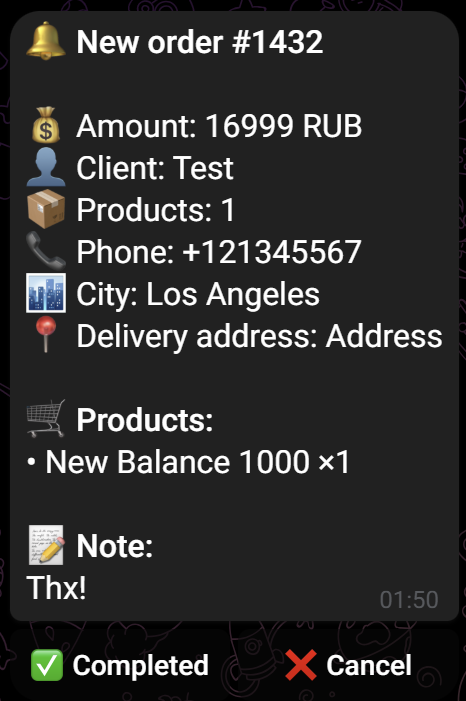
- New order notifications are sent to the WooCommerce panel, the eGodfather control panel, and the Telegram bot for all administrators. These notifications are not sent to the support service group to avoid confusion.
- By default, all new orders are assigned the “Processing” status.
- You can change the order status (e.g., to “Completed” or “Cancel”) directly through the Telegram bot interface. When a status is changed, data is synchronized everywhere, and the customer receives an automatic notification.
- When canceling an order, the bot will ask for a reason. This reason will be sent to the customer along with the cancellation notification.
Order Synchronization: Orders are automatically transferred to the service control panel: https://egodfather.app/app/orders. This option can be disabled in the plugin settings; however, this will result in the disabling of certain features: newsletters, dashboard statistics, and order history will stop working.
Payment: Direct payment within the app is not implemented in the current version. It is recommended to send customers a link to the payment page (acquiring) via a message through the bot, using the command: /msg [order_number] payment link [link].