The newsletter functionality allows sending messages to selected target audience segments.
Creating a Campaign:
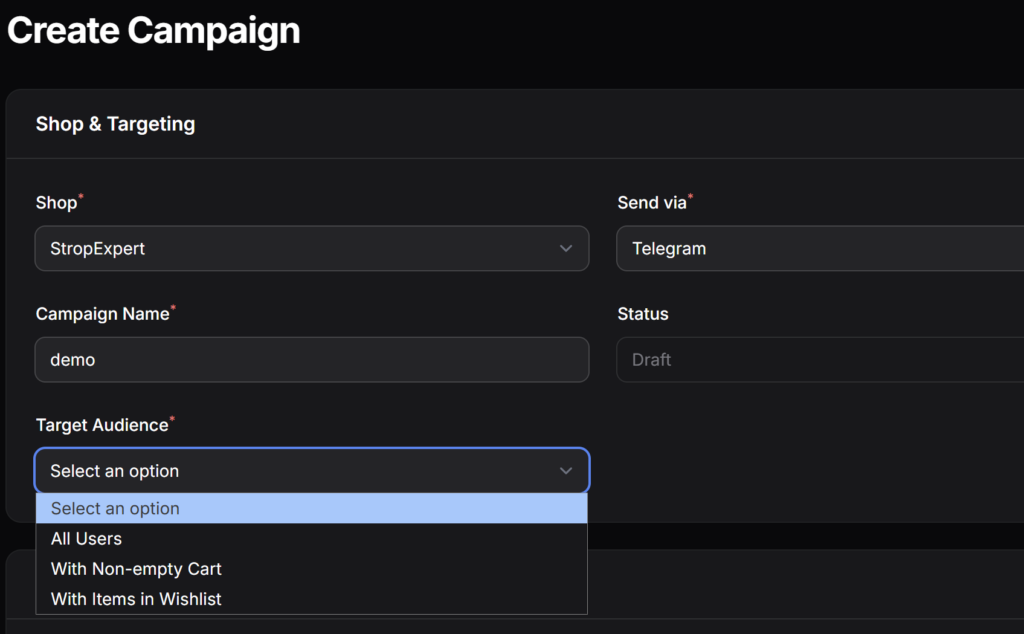
- Select the desired store and sending platform (Telegram, Max, or both platforms at once).
- Set a clear name for the marketing campaign.
- Specify the target audience by choosing one of the options: all users, users with items in the cart, or users who have added a specific item to their favorites.
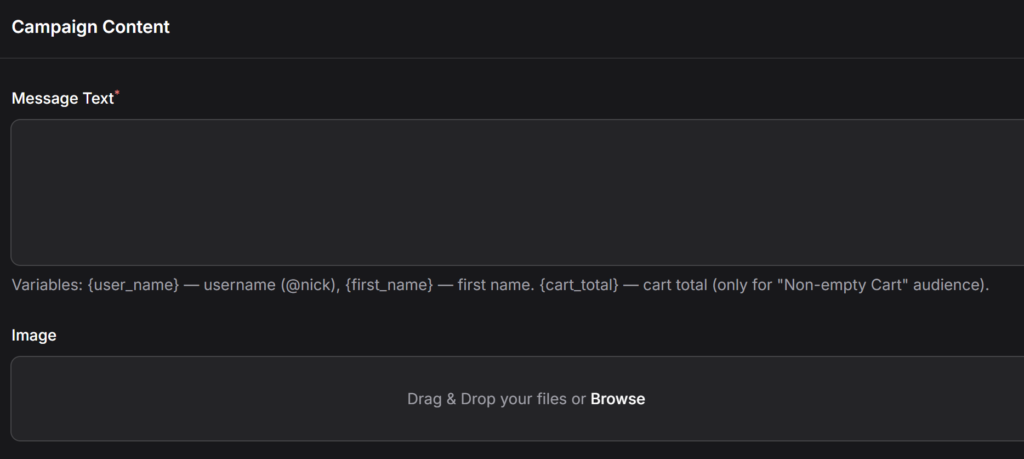
- Enter the message text and upload a graphic image.
Variables for message text:
- {first_name} — inserts the user’s name as specified in the messenger (supported in Telegram and Max).
- {user_name} — inserts the user’s nickname (@username) (works only in Telegram).
- {cart_total} — displays the total amount of items in the cart. Warning: use this variable only when the “With non-empty cart” audience is selected.
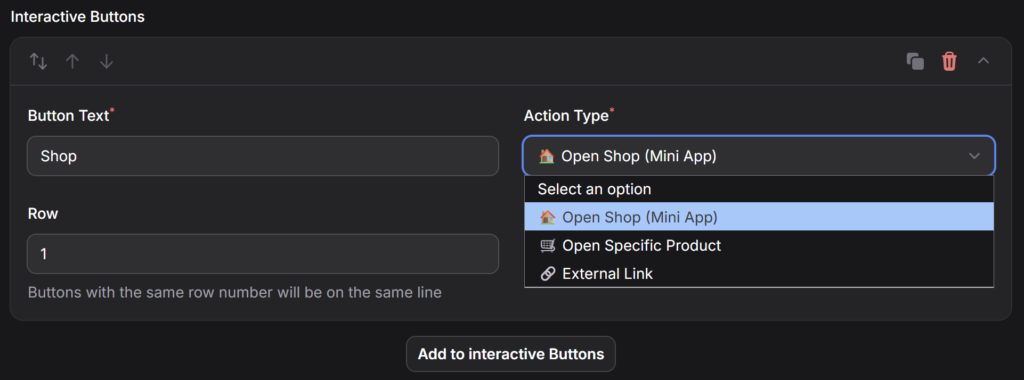
Interactive buttons: Buttons can be added to the message, grouped by rows.
- For Telegram: available actions include “Open Store (Mini App)”, “External link”, and “Open specific product” (currently, navigation is only possible to products that are in the favorites or cart of at least one customer).
- For Max: due to technical limitations of the messenger API, only the “External link” action is available.
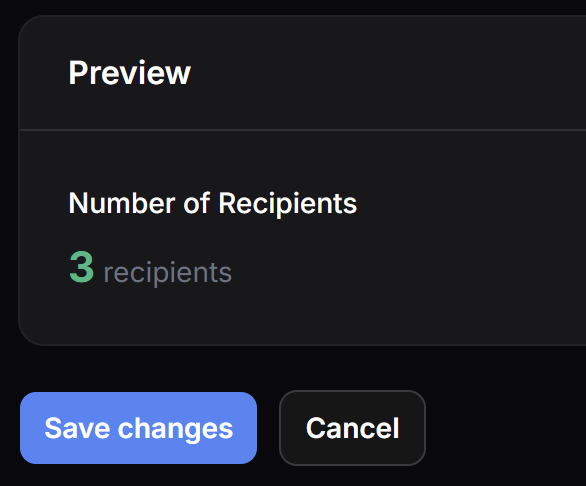
Launching a Newsletter: Before saving, the system will show the number of users who will receive the message. After saving the campaign, go to the general newsletter list and click the send button. If the newsletter needs to be repeated, click “Reset to draft”.