Homepage Slider:
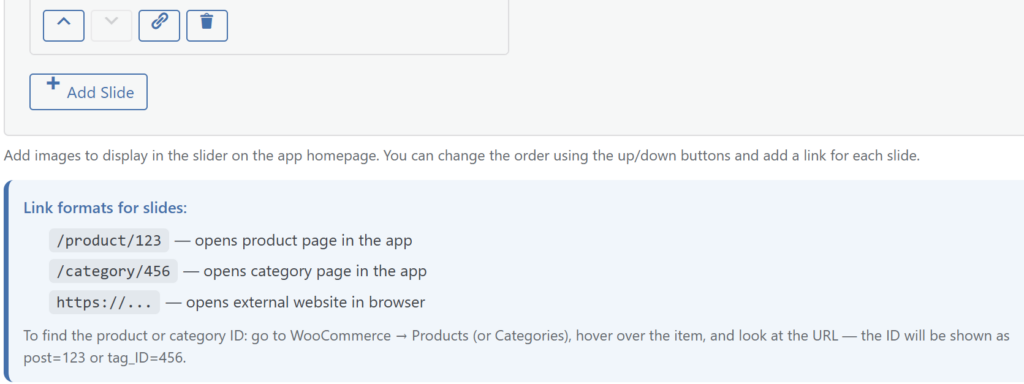
- In the slider settings block, you can add an unlimited number of images. The order of the slides can be changed using the arrows.
- Important: The image stretches to the full width of the screen and proportionally increases its height without limits. Use horizontal images to avoid excessively “tall” vertical banners.
- You can add a link to each slide. The following formats are supported:
- Product:
/product/{ID}(Example:/product/123) - Category:
/category/{ID}(Example:/category/456) - External site: Full URL (Example:
https://example.com)
- Product:
Note: You can find the product or category ID in the WordPress panel by opening the desired item for editing and looking at the URL in the address bar (for example, post.php?post=1372, where 1372 is the ID).
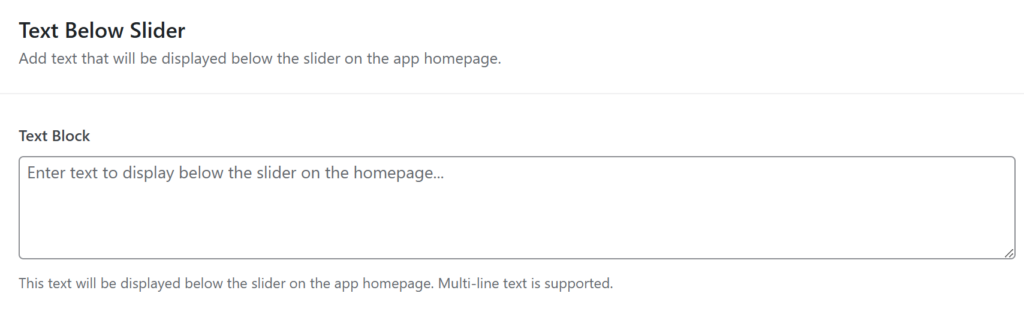
Text under the slider: If necessary, you can display any custom text under the slider block on the homepage. Fill in the corresponding field in the settings.