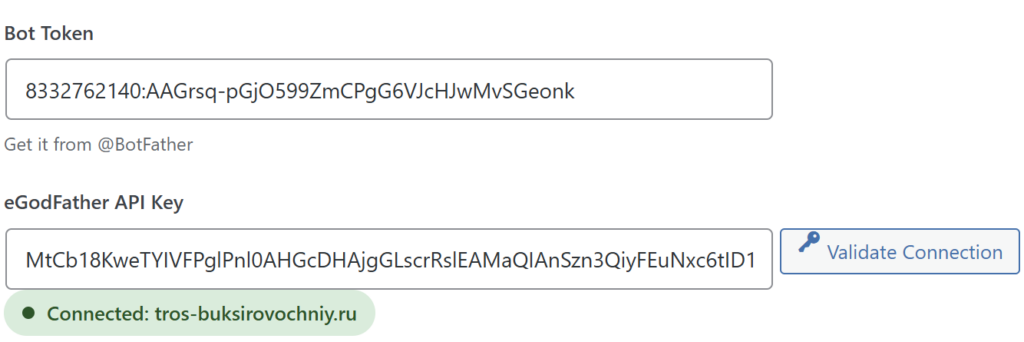
Connecting the eGodfather plugin with Telegram requires creating a bot and exchanging API tokens.
- Open Telegram, find the bot @BotFather and start it (the Start button).
- In the WordPress admin panel, go to EGodfather -> Connection.
- In the Default Platform field, select Telegram (or both platforms if you plan to use Max).
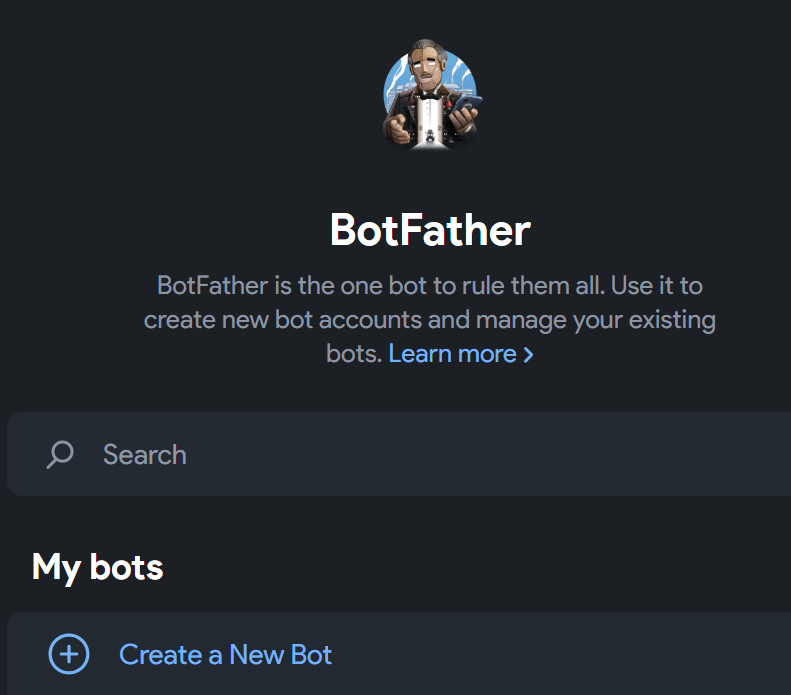
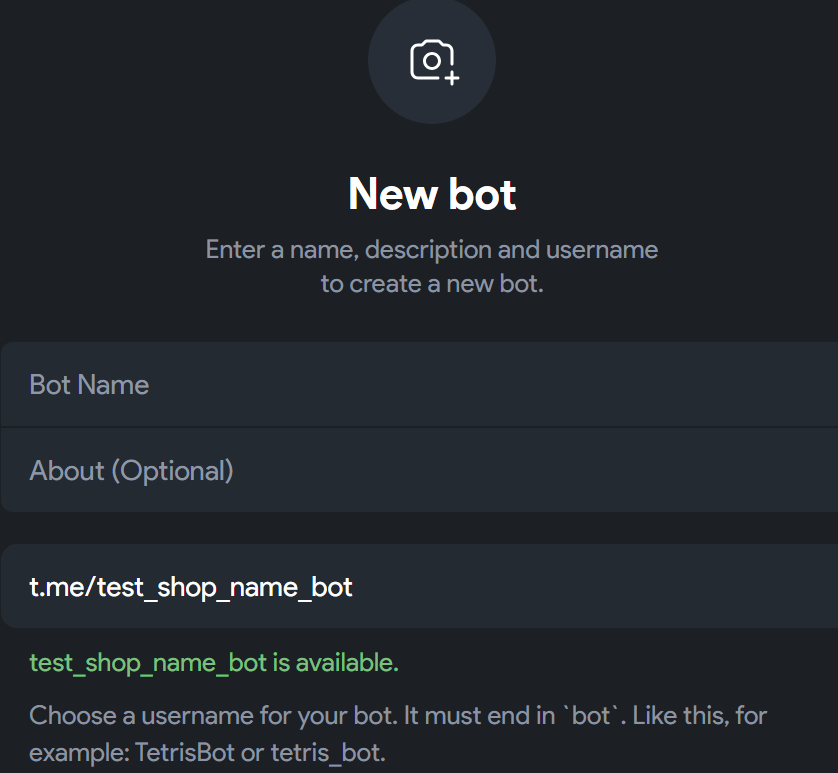
- Select the Create a New Bot command. Fill in the details: desired name, description, and username (the username must end with _bot, for example: my_shop_bot).
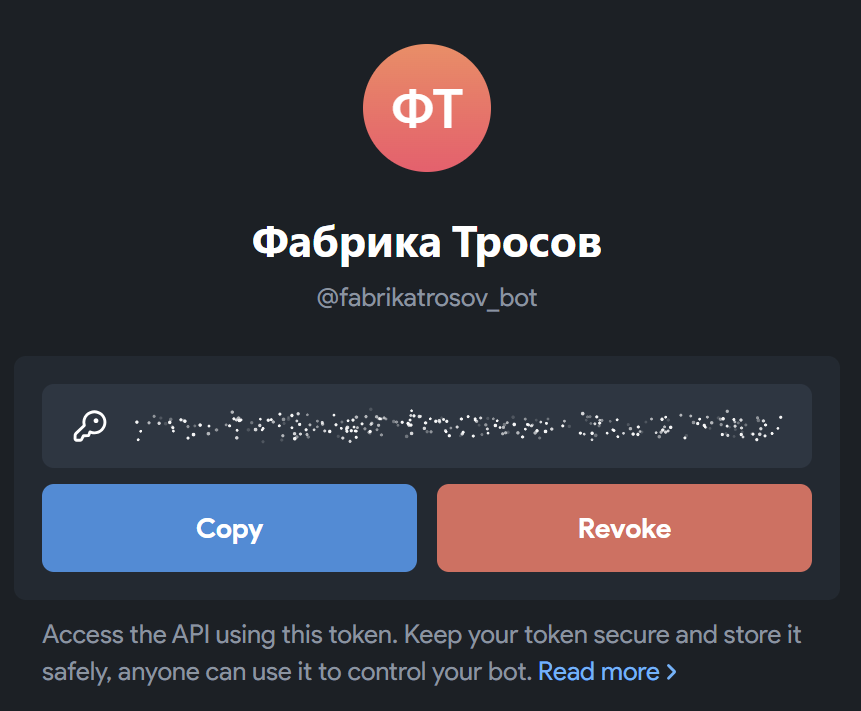
- After successful creation, copy the received bot token.
- Paste the bot token into the corresponding plugin settings in WordPress.
- Go to the eGodfather control panel: Shops -> Create (https://egodfather.app/app/shops/create).
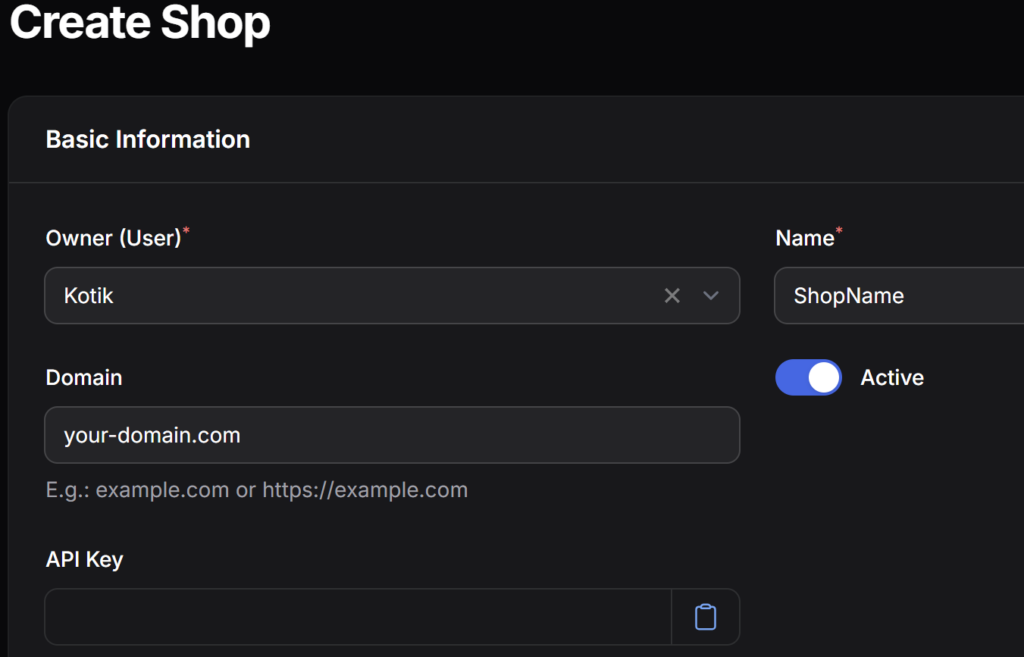
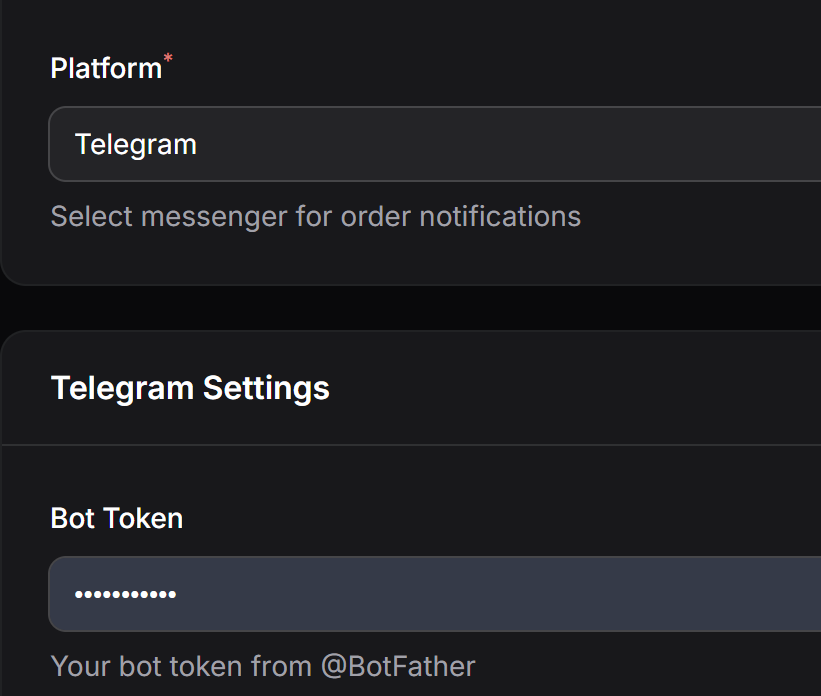
- Enter the domain and store name. Leave the “API key” field empty. In the field below, paste the bot token from Telegram and click Save.
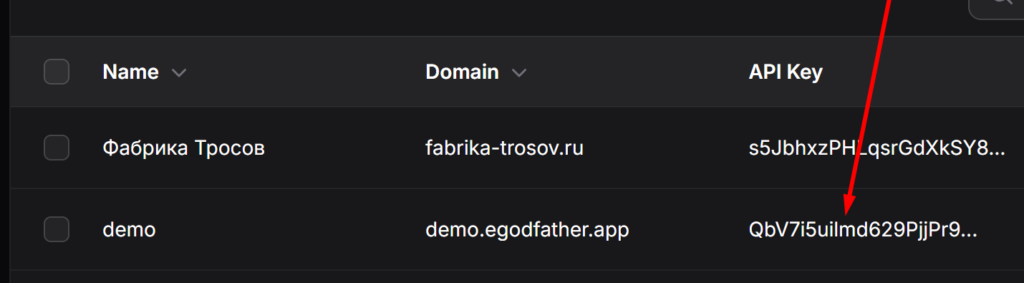
- You will be redirected to the list of shops. Click on the generated API key of your store to copy it to the clipboard.
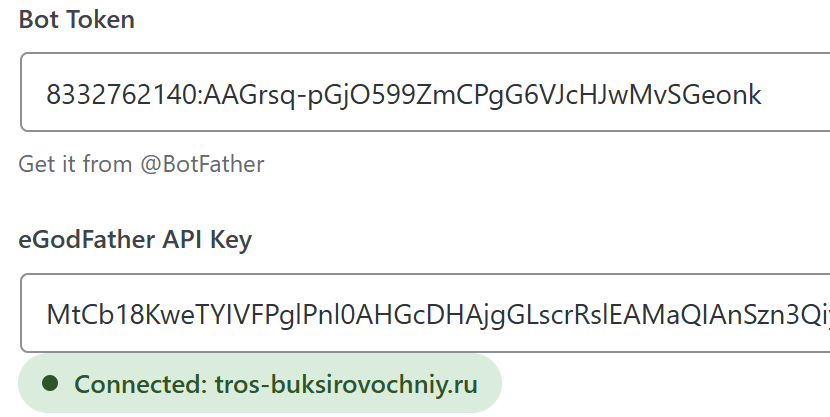
- Return to the WordPress plugin settings, paste the copied store token into the corresponding field, and click Save (the button at the bottom right).
- Upon successful connection, a green notification will appear.