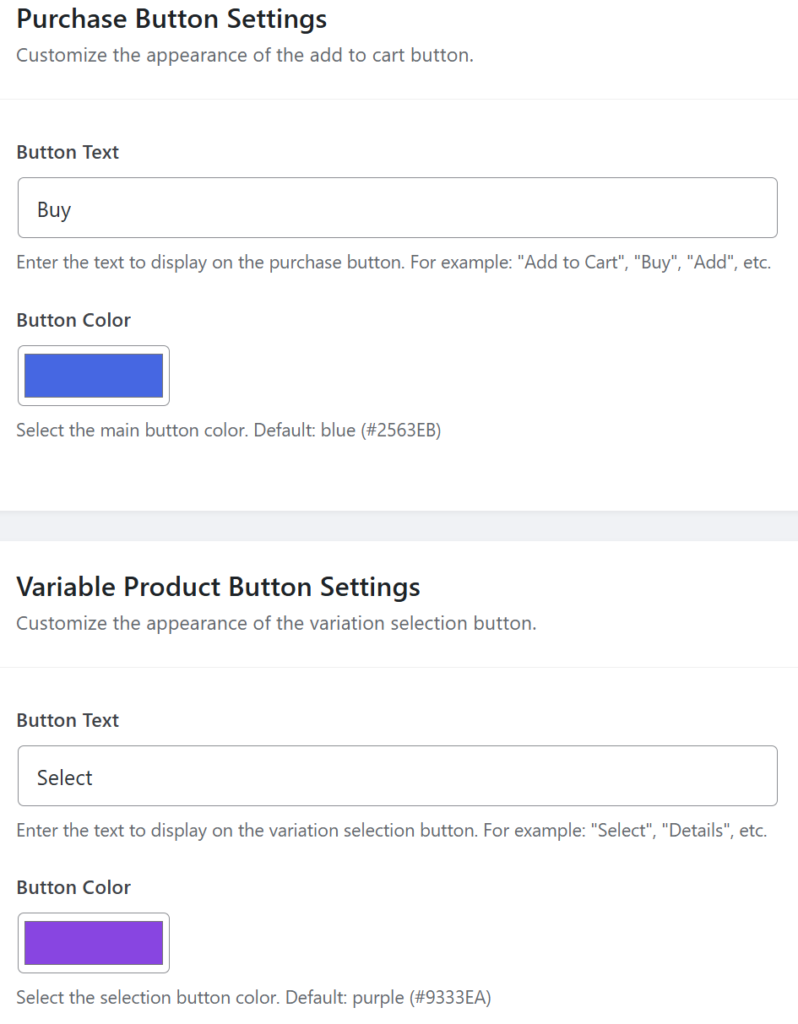
Visual design and button settings are configured in the plugin settings.
App Theme: By default, the app adapts to the theme selected by the user in their messenger (light or dark). In the settings (Storefront section), you can keep the value as “Auto” or forcibly fix a light/dark theme for all users.
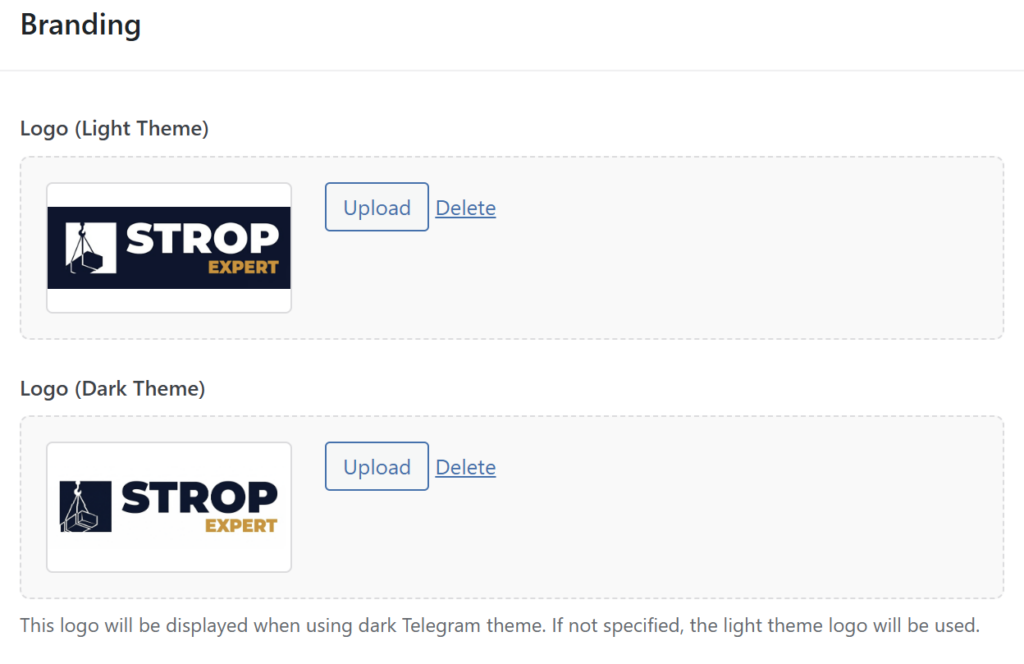
Logo (“Branding” Tab):
- Go to the Branding tab.
- Upload logos (recommended format: .png) for light and dark themes.
- If no logo is uploaded, the search bar will be displayed across the full width of the screen in the app header. If a logo is uploaded, it will be displayed on the left, and the search bar on the right.
Buy Button:
Configure the appearance of the “add to cart” buttons (Storefront section):
- Set the desired button color.
- Specify the text (for example, “Buy” or “Add to Cart”). Note: For variable products, the button leads inside the product card to select a specific variation, but the button title will remain as you set it.