This section is intended for configuring automatic reminder messages. Currently, the abandoned cart recovery scenario is supported.
Trigger Setup:
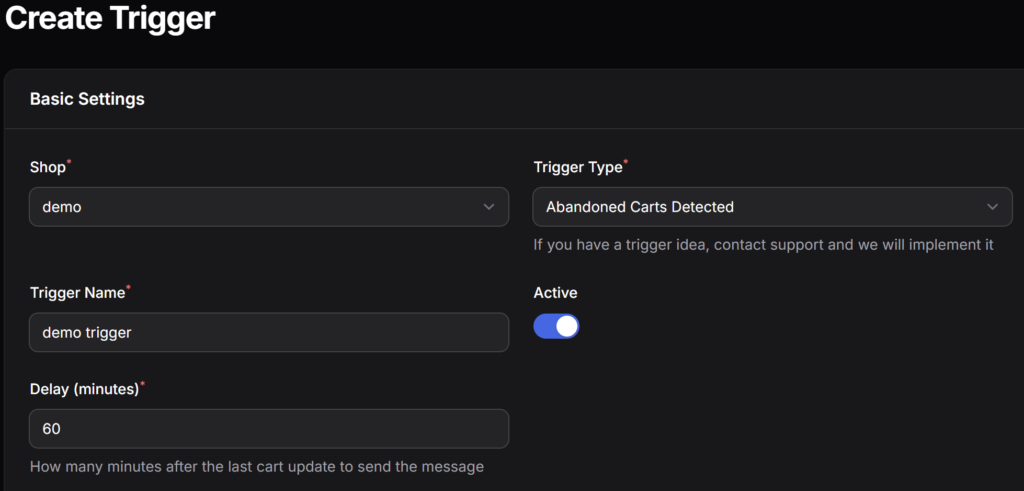
- Select the target store and platform for the mailing.
- Select the trigger type (abandoned carts) and give it a name.
- Set a delay — the time that must pass from the moment an item is added to the cart until an automatic message is sent to the user.
Important: An automatic trigger message is sent only once. However, if the user updates their cart contents, the countdown will start over, and the message will be sent again in 1 hour.